FEATURES.
COUNTDOWN STYLES
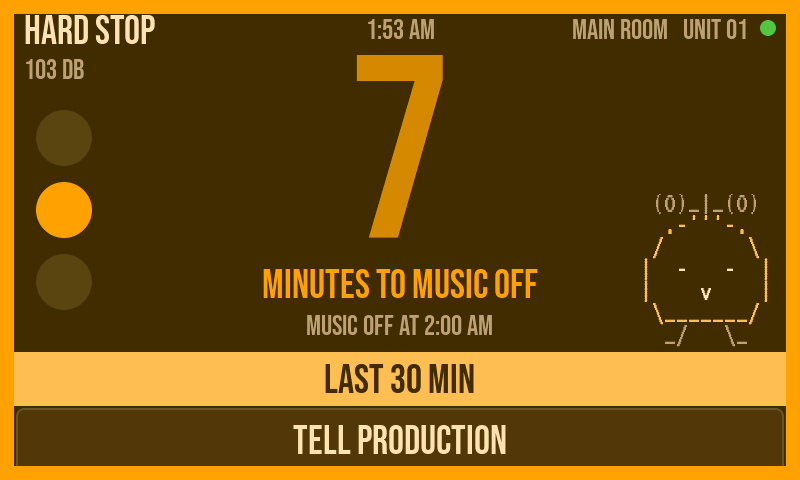
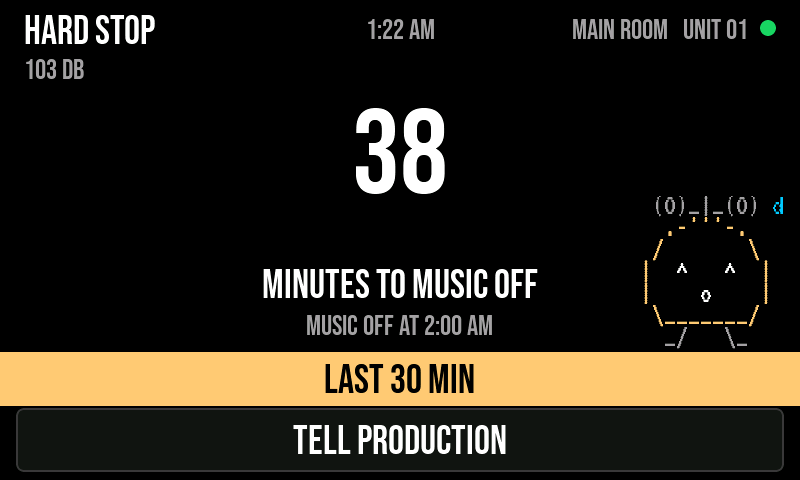
Six ways to show the same thing. Pick per venue.
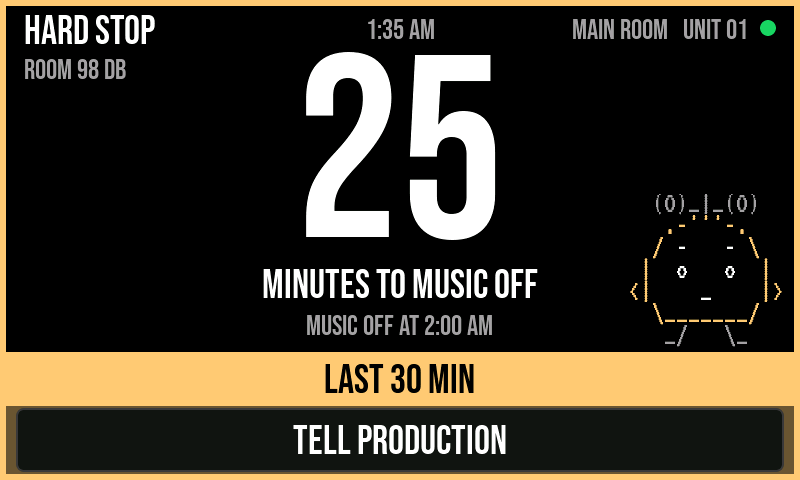
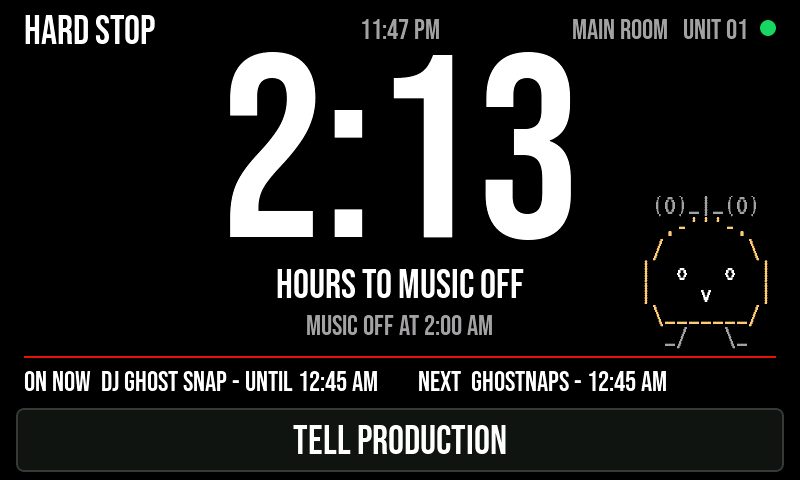
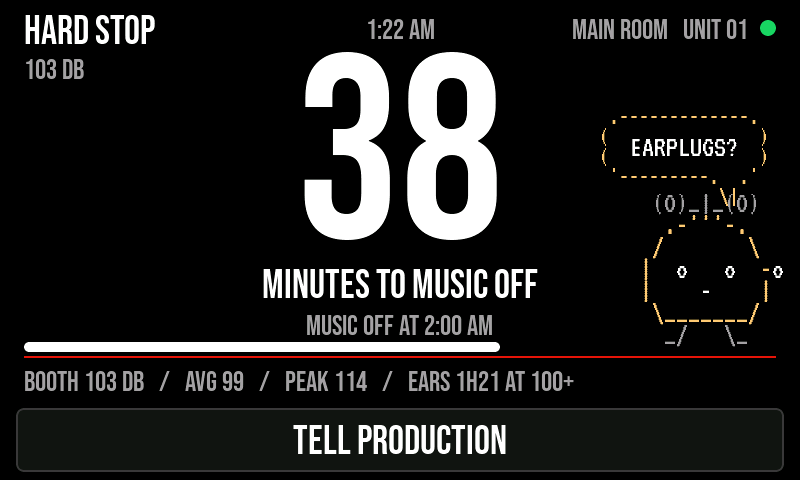
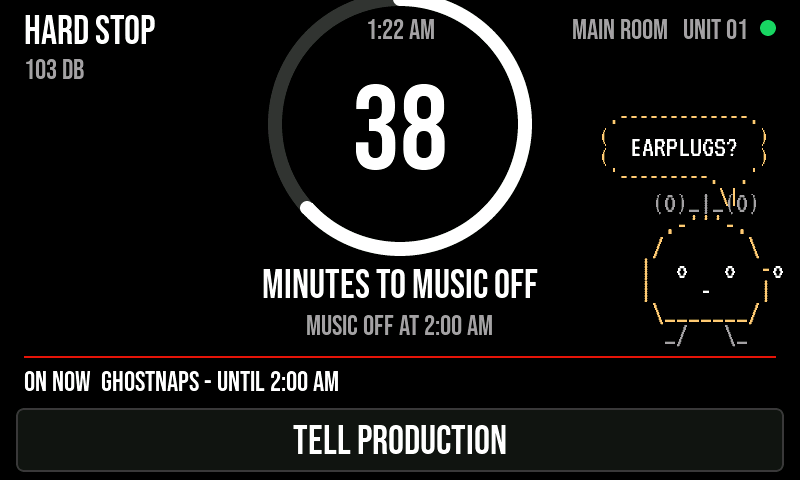
LOOKS
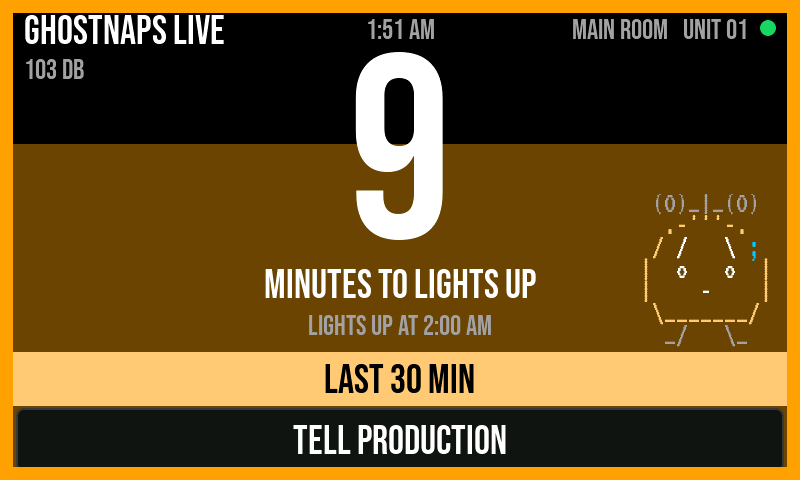
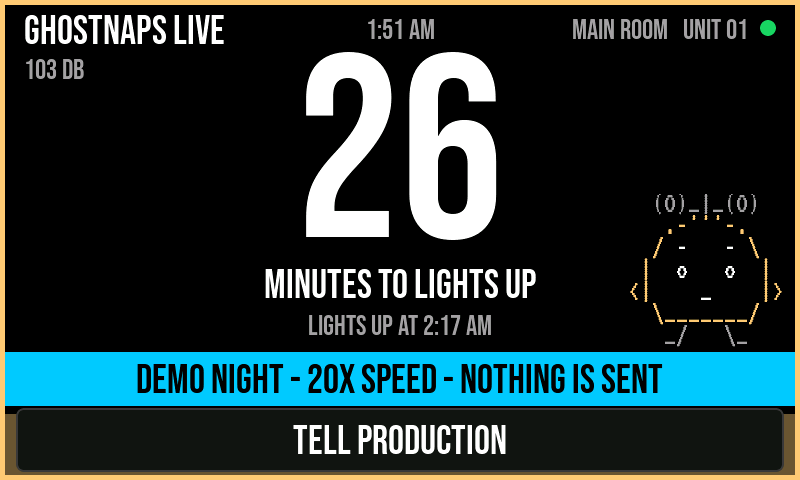
Eight themes, a venue accent colour, or set every colour yourself. Colour never carries the meaning on its own - the words, fill and frame change too, so colour-blind DJs read it the same.
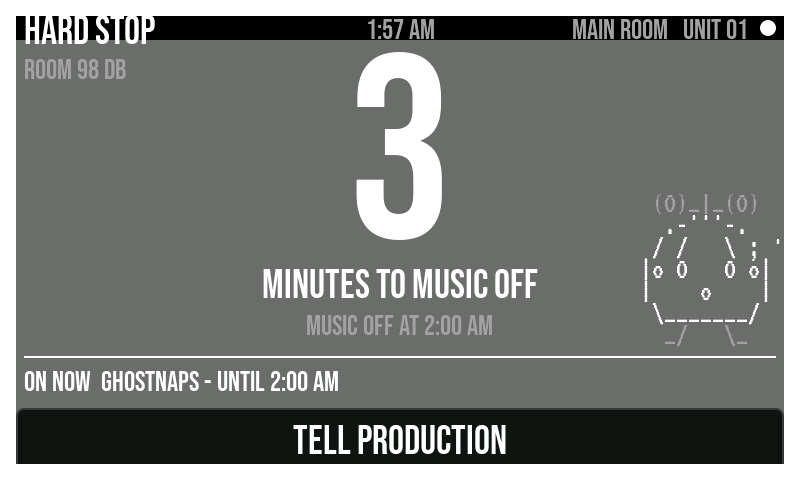
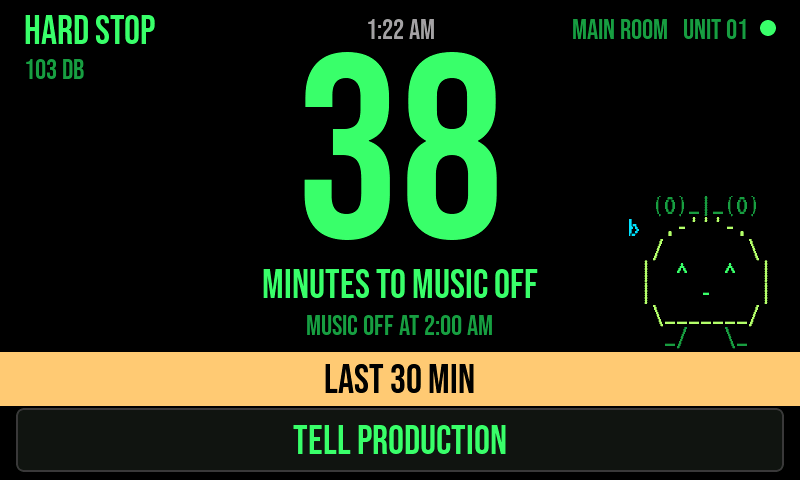
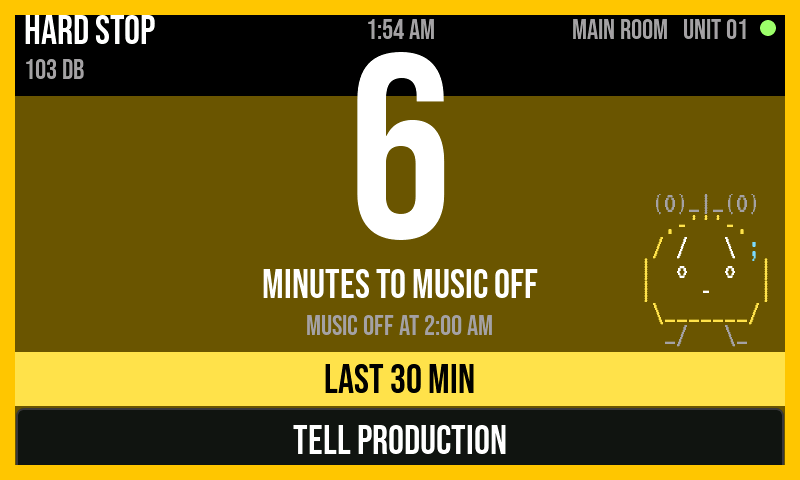
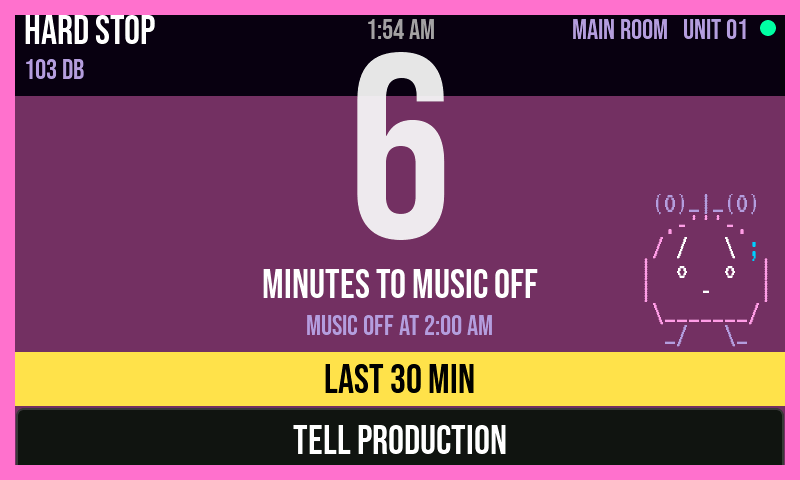
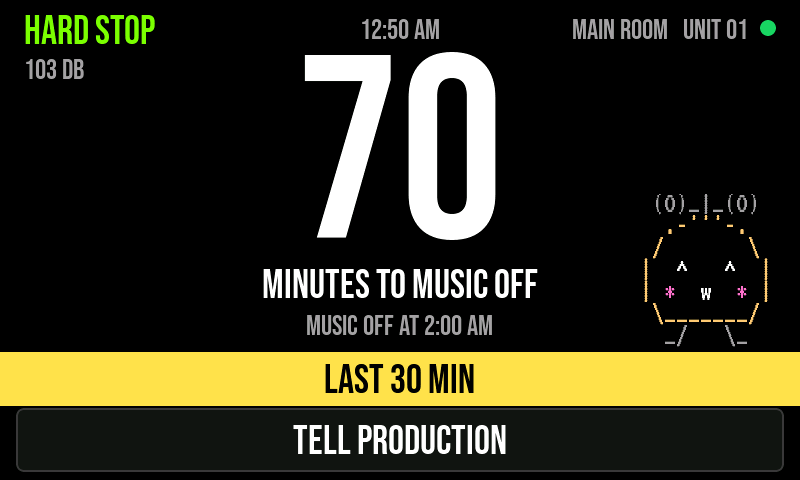
MESSAGES THAT KNOW HOW TO LEAVE
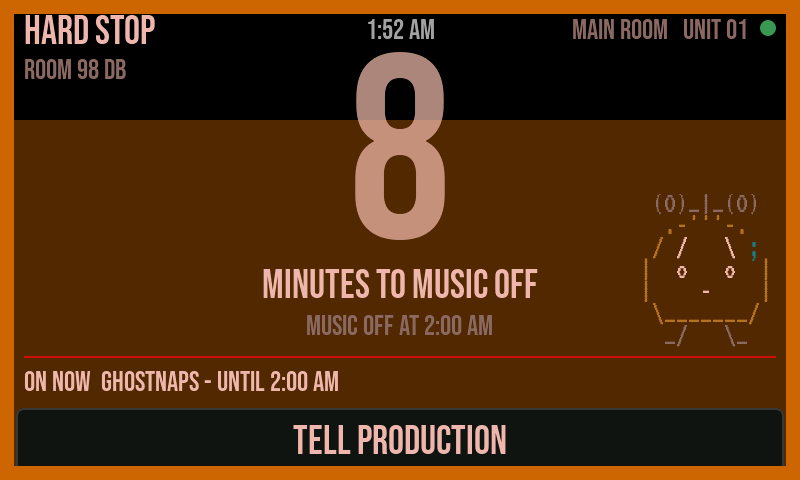
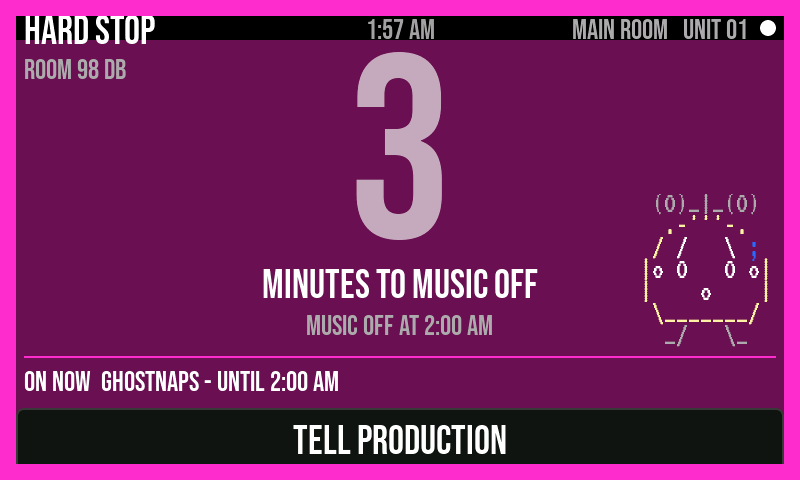
Until GOT IT, for a set time, until you clear it, until a set time, or pinned all night. If nobody taps GOT IT in 90 seconds, your phone tells you.
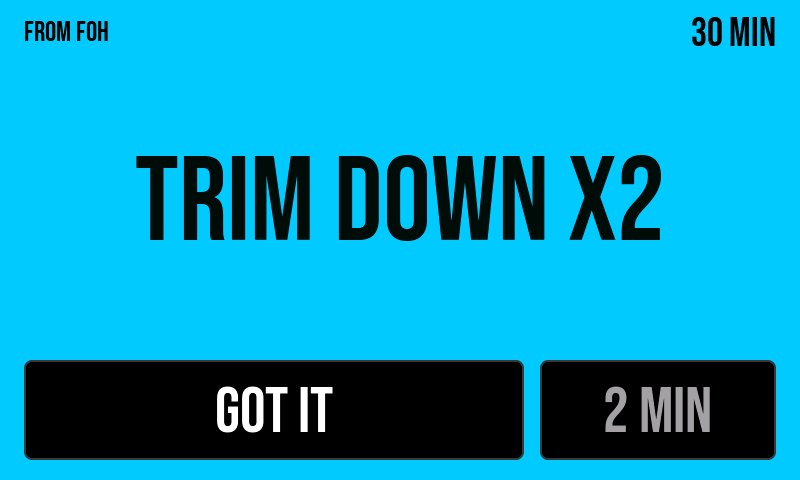
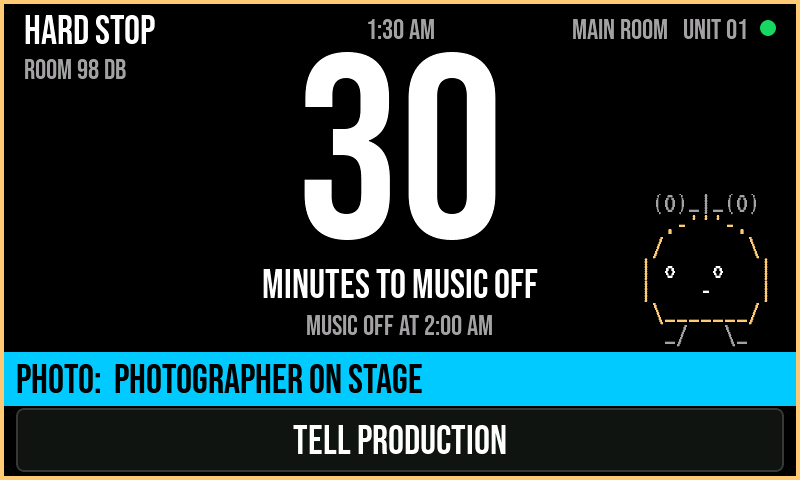
ROLES
Everyone on the crew gets their own buttons. Sixteen roles - tour manager, production, venue, stage, front of house, monitors, lighting, visuals, effects, artist team, security, promoter, bar, merch, hospitality, photo - each with its own messages and its own reach. Bar can leave a note. Security can stop the music.
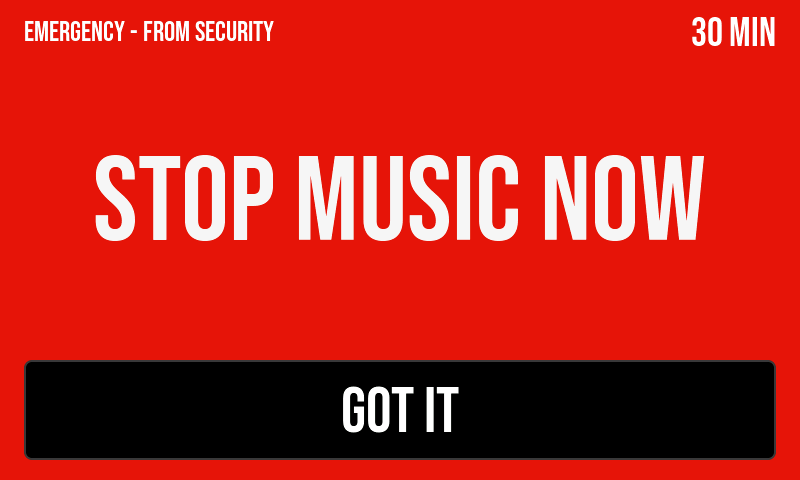
THE BOOTH ASKS FOR THINGS
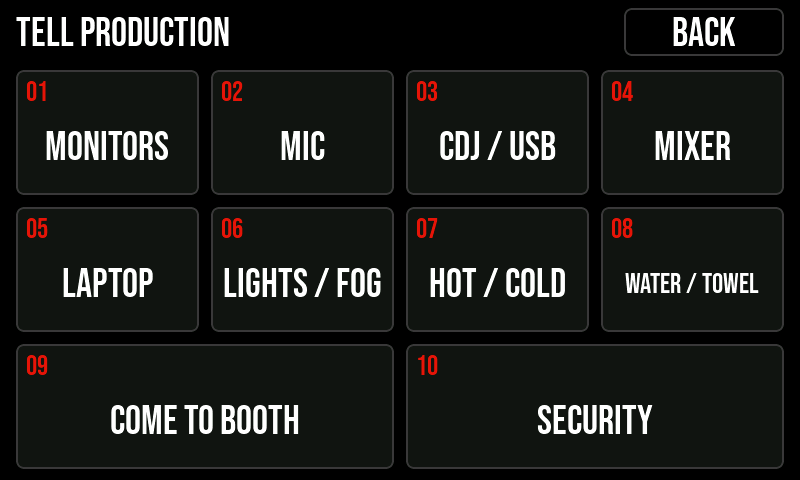
Ten tiles on the panel: monitors, mic, CDJ / USB, mixer, laptop, lights / fog, hot / cold, water / towel, come to booth, security. Rename any of them for your room. The right person's phone buzzes.
BOOTH LEVEL
The panel reads the room level from its own mic: now, 15-minute average and peak. Optional EARS readout shows time spent at 100 dB and over. Level only - nothing is recorded.
NIGHT JOURNAL AND REPORT
Notes, photos, flagged problems, what the DJ said - added any time in the app. At the end: a report with response times, ignored messages, extra time, overruns, room level, the DJ's rating of the booth, and a curfew record with timestamps. Share it as a PDF.
SIRI, WATCH, LOCK SCREEN
"Trim down on HARD STOP." Countdown on your lock screen and Apple Watch. Answer the booth from a notification.
WORDS ON SCREEN
Your crew's name in the corner instead of HARD STOP. LIGHTS UP instead of MUSIC OFF. The venue's name. Edit it in the app, or on the panel with its own keyboard.
GOODNIGHT
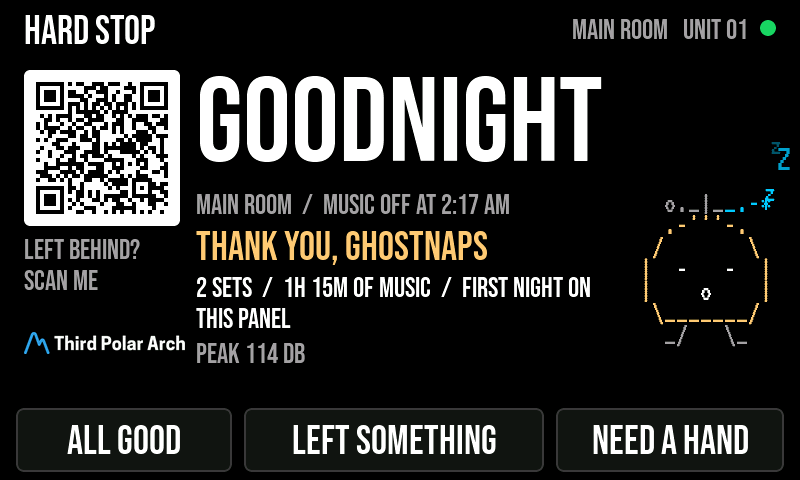
When the room's done the screen doesn't go blank: a recap of the night, a thank-you to the closing DJ, ALL GOOD / LEFT SOMETHING / NEED A HAND buttons, and the QR.
NO LINEUP? FINE.
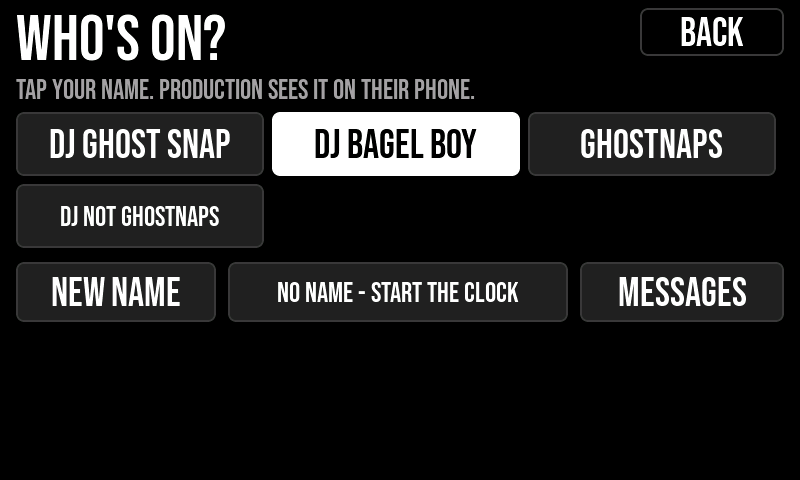
Don't know who's playing or when? Skip it. The booth taps WHO'S ON? and picks a name, types one, or just starts the clock - your phone tells you who's on. Know the names but not the times? Paste them; they show up as buttons. Can't see the booth? Tap NEXT DJ ON.
SETUP IN 10 SECONDS
Save a venue once - cutoff, look, messages, handover notes, a load-in checklist, who to call. Next time it's one tap. Venues live on the panel too, and you can send one to the crew as a file.
NEW DJ? 20 SECONDS
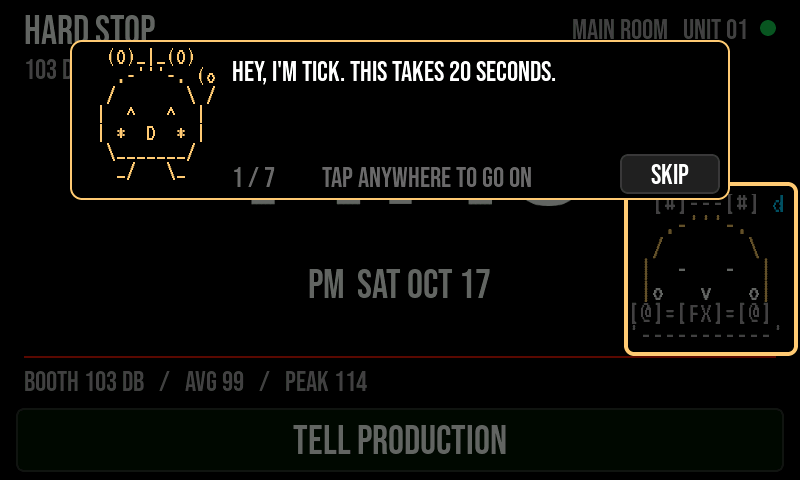
A DJ who's never seen it gets a short tour from TICK: what the number means, how to answer, how to ask for something. The crew has its own, thirty seconds. Skip any time.
IT LOOKS AFTER ITSELF
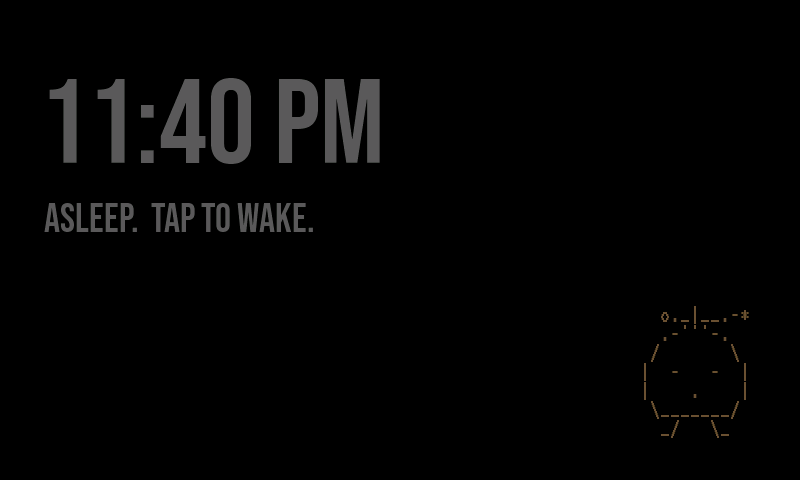
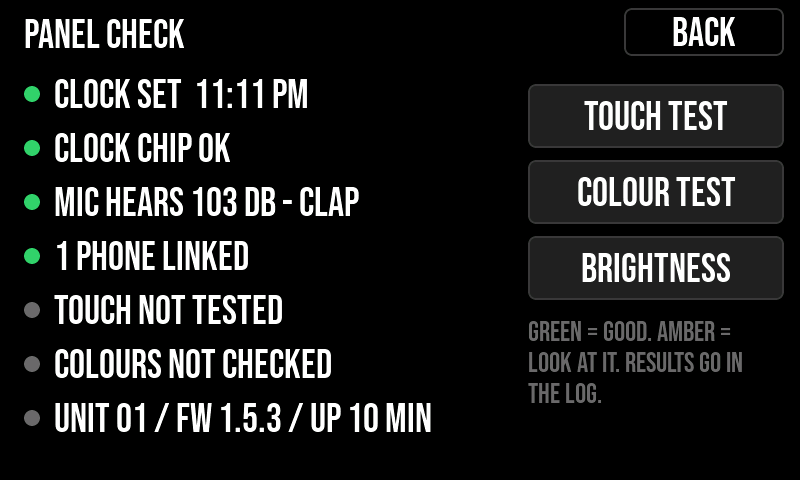
An hour after the cutoff it goes to sleep. In the daytime it stays dark until a show is coming. If it restarts in the middle of a night, it skips the intro and goes straight back to the countdown. A built-in check tests the touch, colours, clock and mic in a minute.
YOUR SETUP FOLLOWS YOU
Venues, looks and words sync through your own iCloud to every iPhone and iPad you use. No account to make. Back up a panel and copy it to the next one in a few seconds.