HOW IT WORKS.
PUT IT IN THE BOOTH
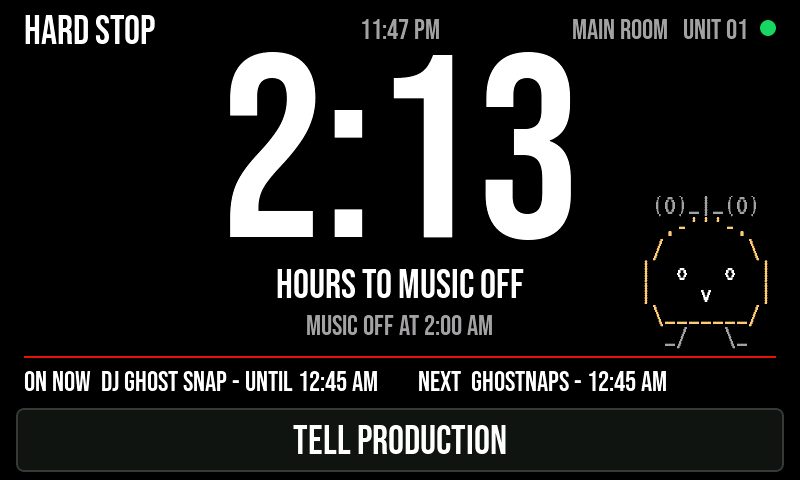
It sits next to the mixer on its own battery. No cables to the venue, no WiFi.
SET THE SHOW
In the app: pick the venue, paste the lineup if you have one. The panel gets the cutoff, the set times and the look.
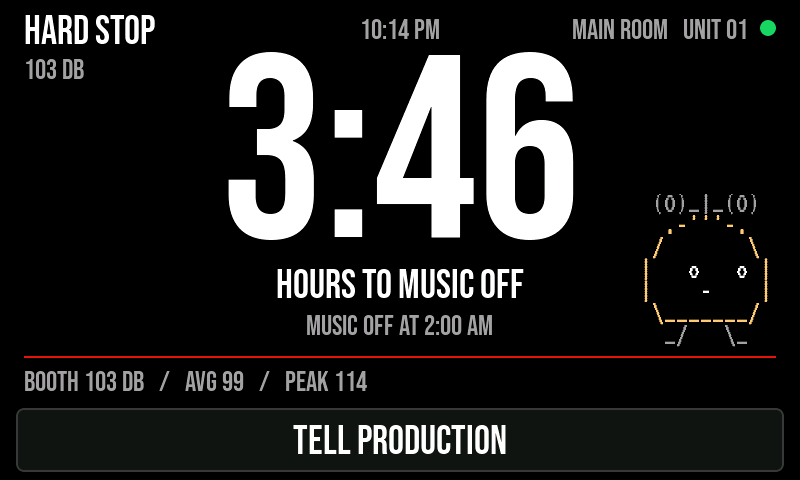
THE COUNTDOWN BUILDS
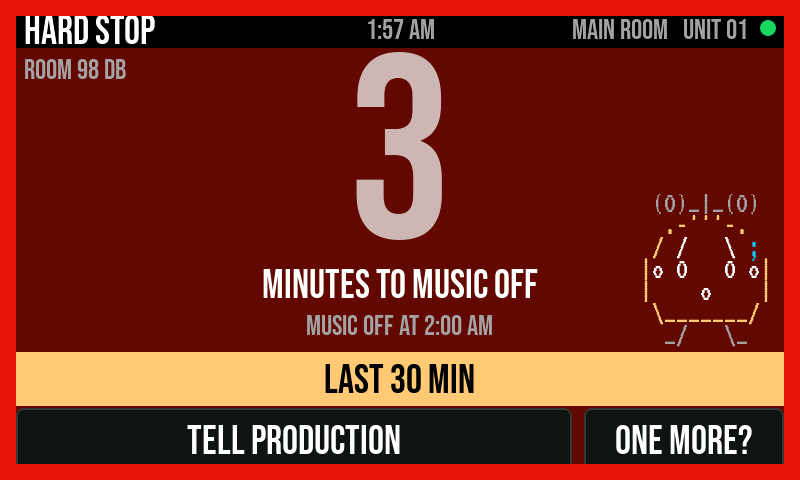
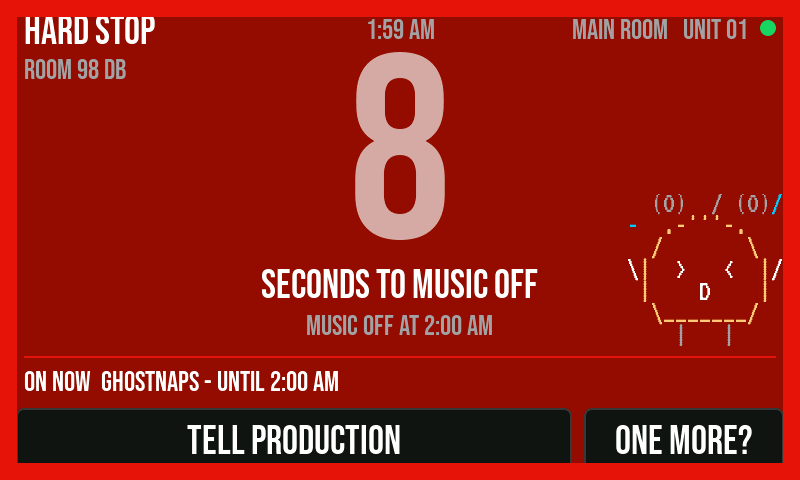
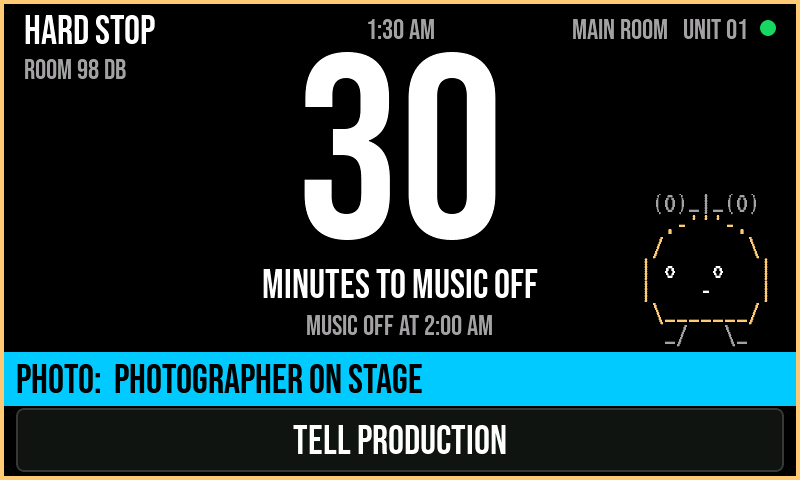
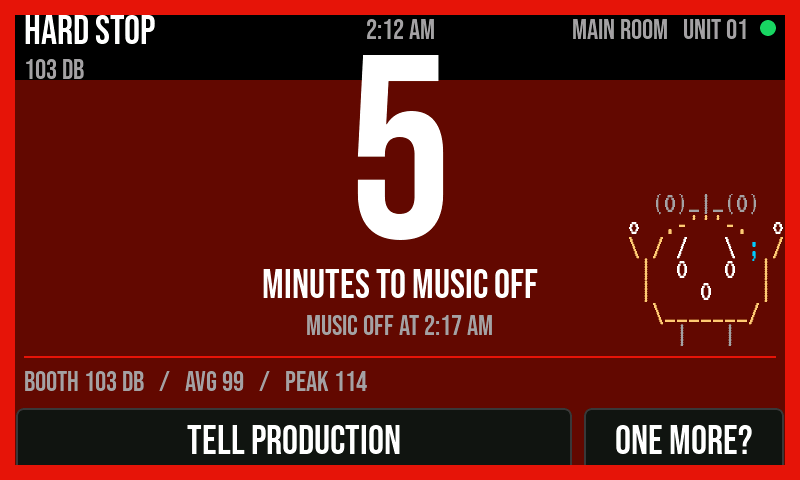
Calm early. Amber at 10 minutes, red at 5, seconds at the end. The DJ never has to ask.
MESSAGES WHEN YOU NEED THEM
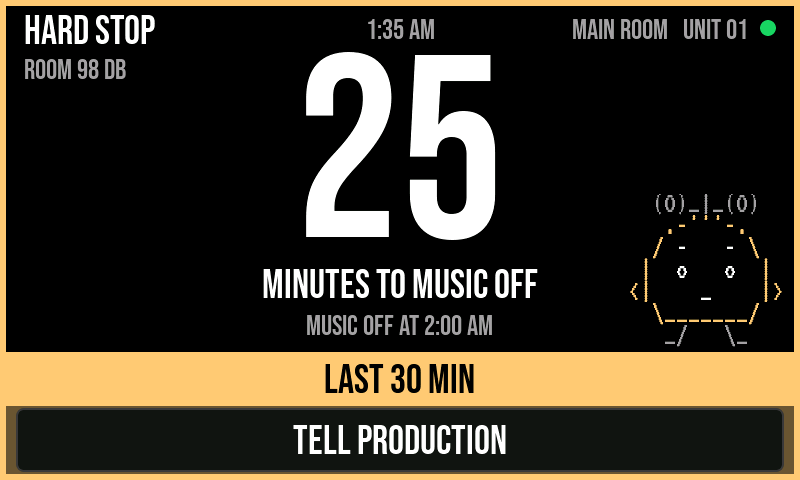
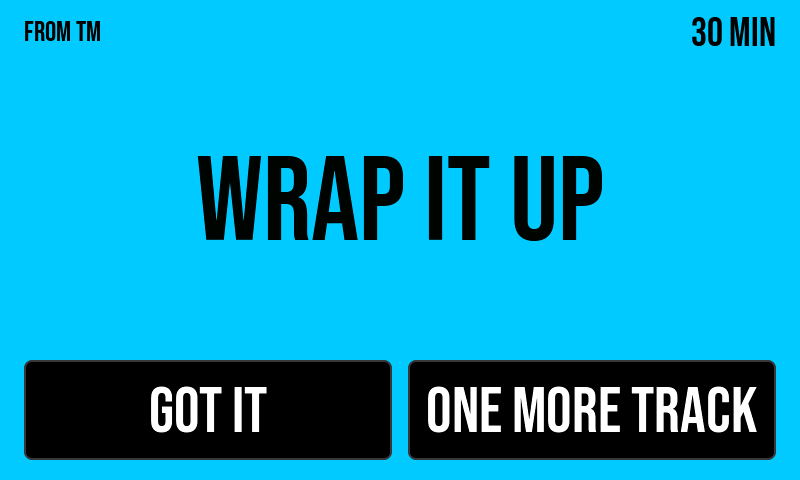
Full screen for things that matter, a banner for things that don't, a note in the strip for house rules. Repeats merge instead of stacking.
THE DJ CAN ASK FOR ONE MORE
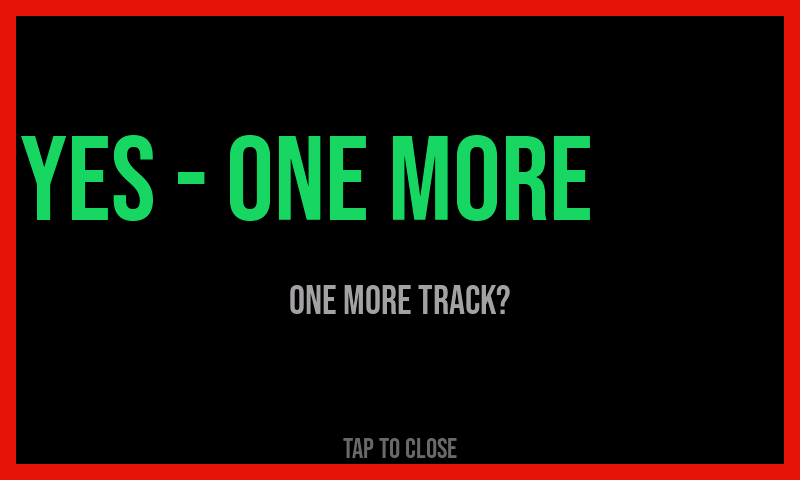
In the last 10 minutes the booth gets a ONE MORE? button. You answer yes or no from your phone or watch. Yes adds 5 minutes.
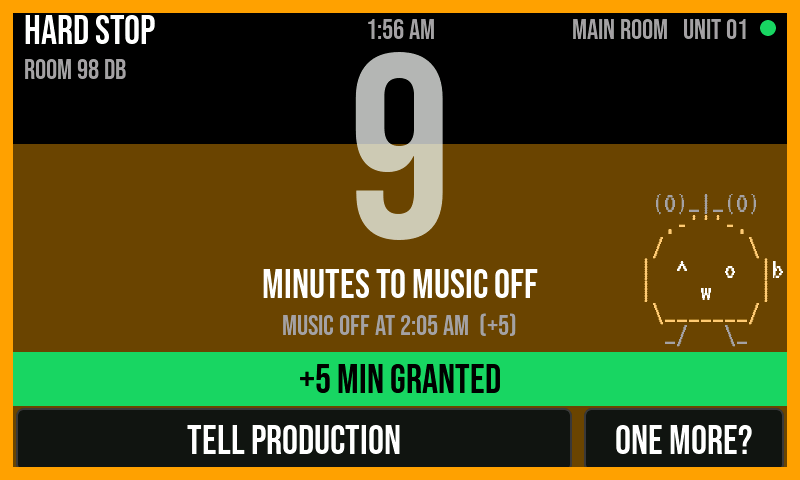
MUSIC OFF, THEN GOODNIGHT
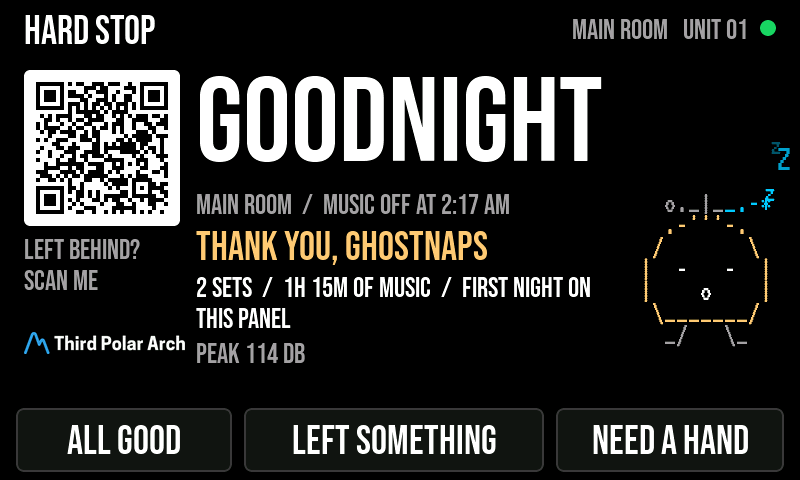
At the cutoff the screen says so and thanks whoever just played. After the hold it shows the night's recap, asks the closing DJ if they need anything, and shows its QR in case it gets left behind.
MAKE IT YOURS
Every word on the screen is yours: the name in the corner, the venue, what stops (MUSIC OFF, LIGHTS UP, LAST CALL), the closing word. Change them in the app or right on the panel.
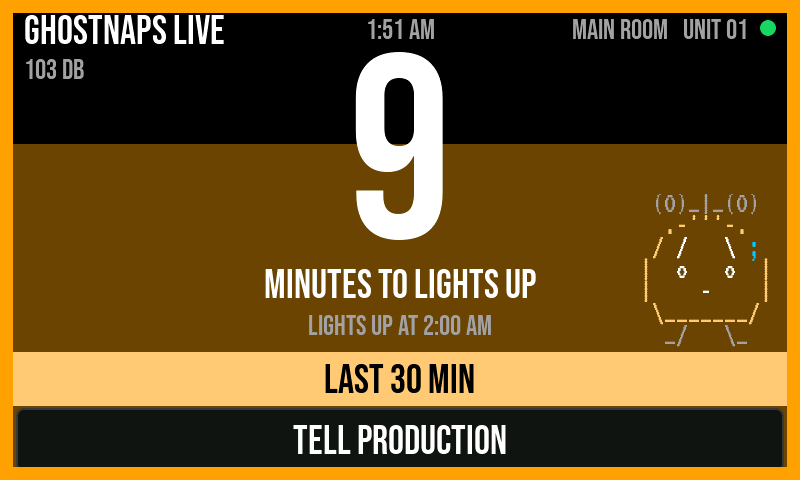
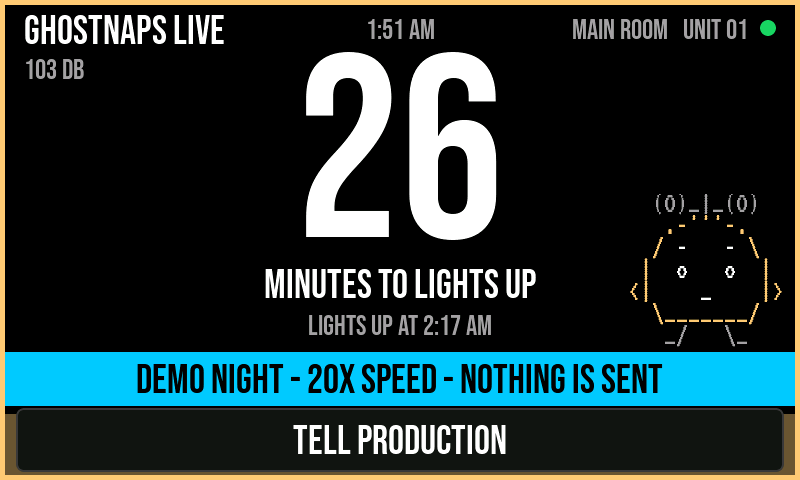
The DJ doesn't need a tutorial. Everything on the screen says what it does.